How tmux made me a developer magician
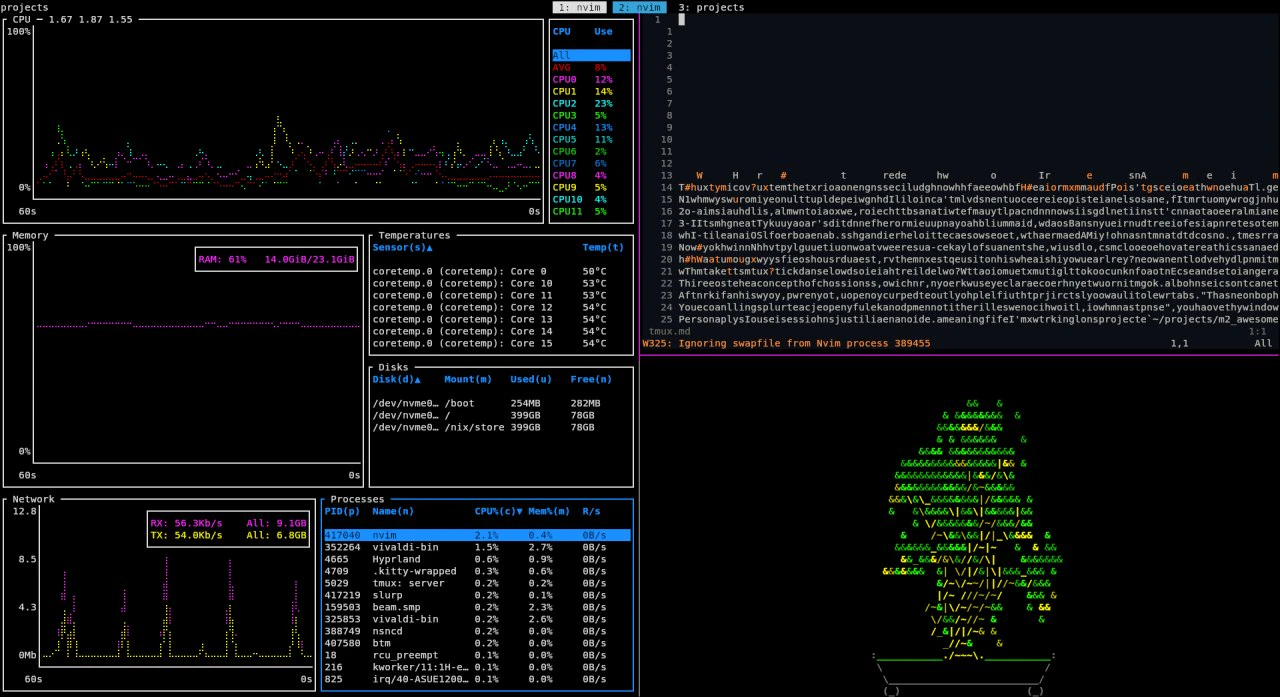
After discovering ThePrimeagen and seeing how he flew through his terminal, I set out on my own journey to maximize "developer productivity"—a.k.a reducing development friction.
Here's how I use tmux to do things I couldn't have done before.
Why tmux?
Tmux is a terminal multiplexer, which basically means you can open a single instance of a terminal emulator, such as a single Kitty window. Within this window, you launch a terminal multiplexer, which allows you to open multiple shell sessions and switch between them using specific key commands, eliminating the need to open additional terminal emulator windows.
Now why would you want to open one terminal with multiple windows inside it instead of separate terminal windows? Well, because tmux also provides other benefits:
-
Imagine this: you're waiting for the output of a command, and BAM! your internet disconnects, or you close the terminal window, and now you've wasted your life waiting for nothing. Tmux gives you persistent sessions, which means you can reconnect to the same session with all your commands waiting for you, even after you close them!
-
It is mainly keyboard-based. While it can be used with a mouse, you don't have to. This means you can quickly switch windows and sessions (as we’ll cover further below) without ever lifting your hands from the keyboard.
-
It has TONS of plugins. So whatever use case you have, there's a good chance someone has already made a plugin for it.
While having these features on a server makes a lot of sense, why would someone want to develop in tmux?
Now you know why you should use it, the next question is: what is it really?
What tmux?
What makes tmux tick, and how does it really work? While tmux might look uncomfortable and strange at first, it is quite easy to use once you get the hang of it.
There is the concept of sessions, which denote what you are currently working on. Each session can have multiple tabs, and each tab can have multiple windows.
Think of it this way: when you open your editor, you select a project you want to work on. This can be thought of as a session.
After opening your project, you can open multiple files, which will appear as "tabs" on the top of your IDE. These can be thought of as tabs in tmux.
You can also split each open file and open another file next to it. In a sense, you now have two windows in the same tab.
Personally, I use sessions just like an IDE. Meaning, if I'm working on a project like ~/projects/my_awesome_proj, I'll open a session there. Within that session, I might have a tab for my editor (Neovim), one for running tests, and another for running the project. I barely use panes—I just haven't found them that useful. But I know many people who really enjoy using them.
OK, but exactly how should one use tmux?
How tmux?
You should use tmux in a way that fits your needs. If it can make your life easier, then good for you.
Let me paint you a picture of what my development environment looks like:
-
When my OS boots up, a terminal window greets me.
-
Since I've set up tmux to automatically launch in
fishshell, I'm already inside a tmux session with all my previous sessions restored. -
I can press
prefix+tto open the session wizard, which shows me a list of open sessions at the top along with my most visited directories, allowing me to choose where I want to work with the fewest keystrokes possible. -
I can create new sessions, tabs, and panes effortlessly. I can navigate my terminal window without lifting my hands, and I can use fuzzy finding to copy anything on the screen.
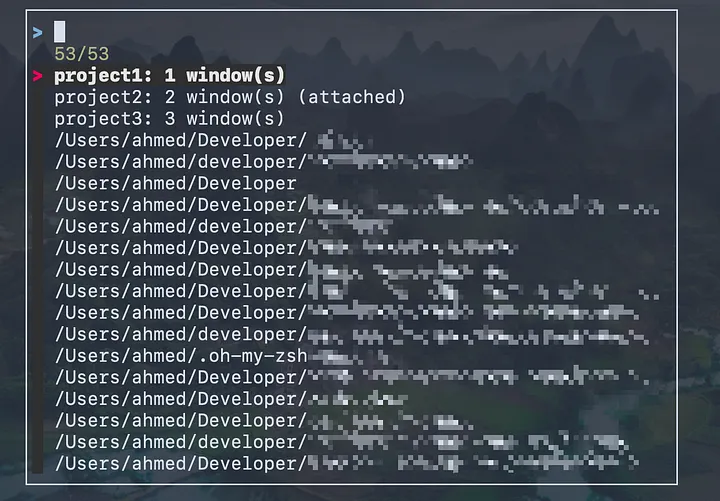
Most importantly, I feel comfortable in the terminal.
This is made possible by the following great plugins:
- tmux-session-wizard: Allows you to create sessions using fzf (a fuzzy finder for quickly finding files or commands) and zoxide (a tool that helps you jump to your most used directories with minimal typing).
- extrakto: Allows you to copy things from your terminal output to the clipboard using fzf.
- resurrect and continuum: Allow you to restore sessions even after restarting your computer.
You can get started with tmux here:
https://github.com/tmux/tmux/wiki
In the future, I'm planning to switch to zellij, which is like a modern tmux written in Rust. It has a lot of features built-in by default and is more like a window manager inside your terminal than a multiplexer!
I'm really excited about it, but I just need to figure out how to do a few things I'm currently doing in tmux there (like finding an alternative for tmux-session-wizard).